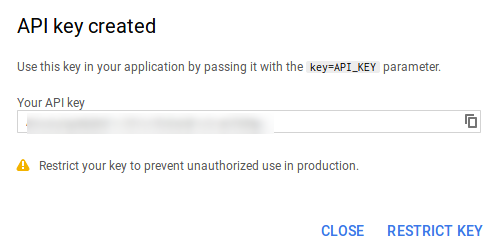
To display YouTube Social Stream Feeds, You need to create API key as showing in below steps:
- Go to the Google Developers Console https://console.developers.google.com/. Sign in with your Gmail account.
- Create a new project and give it a name.
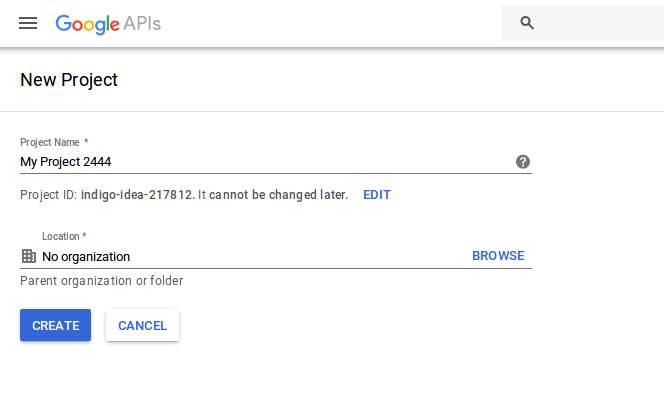
- On Dashboard click Enable API button.

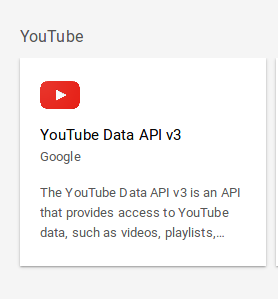
- Click the YouTube Data API link.
- Once you enable the APIs, select Credentials tabs from the sidebar on the left side.
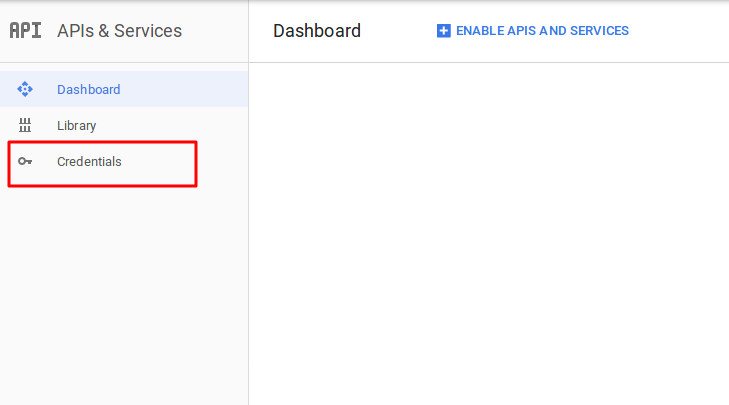
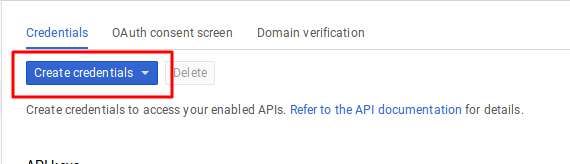
- Create an API key by clicking Create credentials.
- Copy generated an API key and paste it on your Social Streams Designer Plugin’s page in the admin panel.